Release Process
Overview 
This document is about EMS Release process, for more detail you can check EMS Rollout Flow Wiki
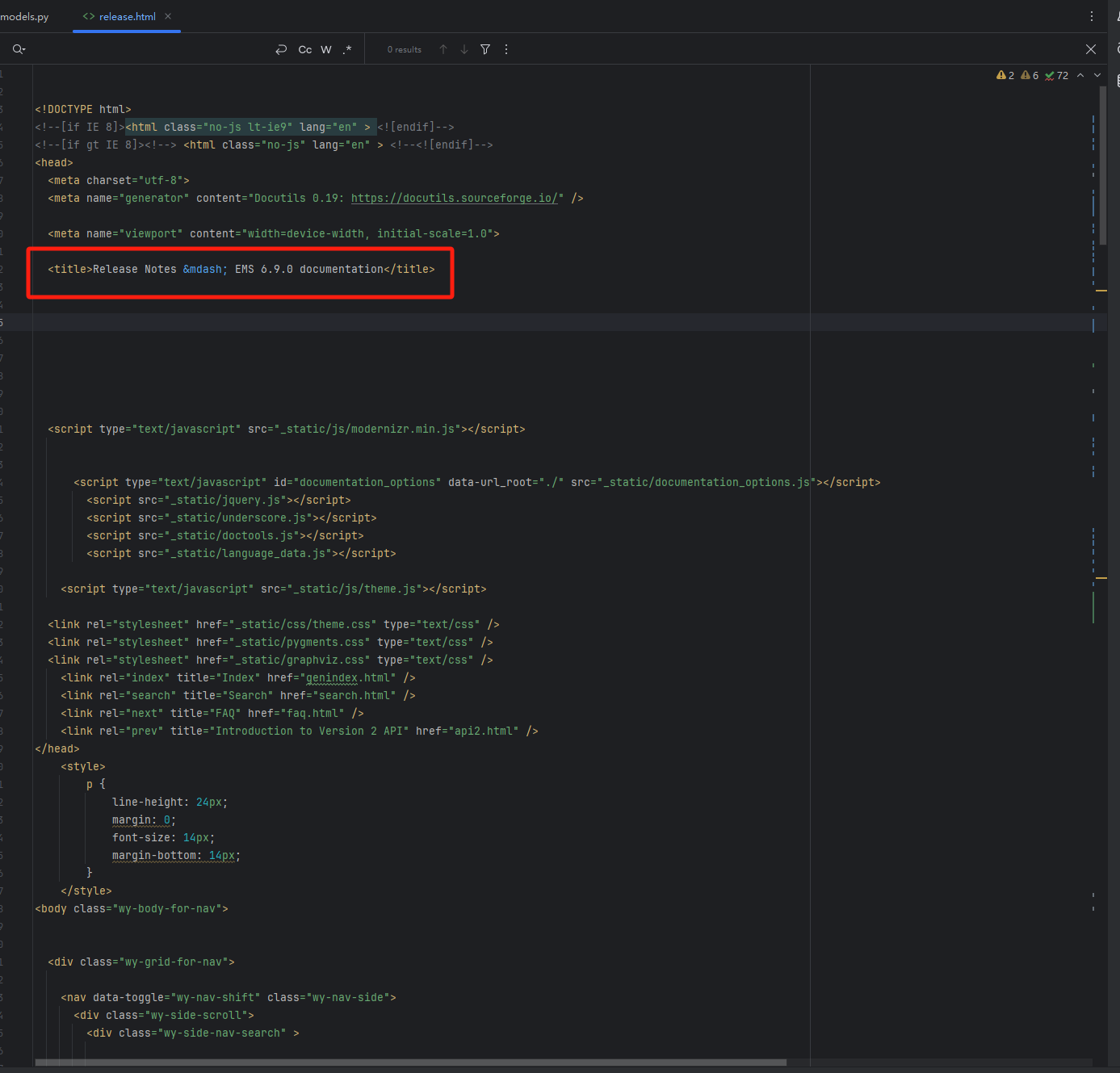
Change release version and update feature docs 
code file: event_management_system\src\3\ecenter\media\docs\build\html\release.html
- Update title version (consistent with the version on CMC).
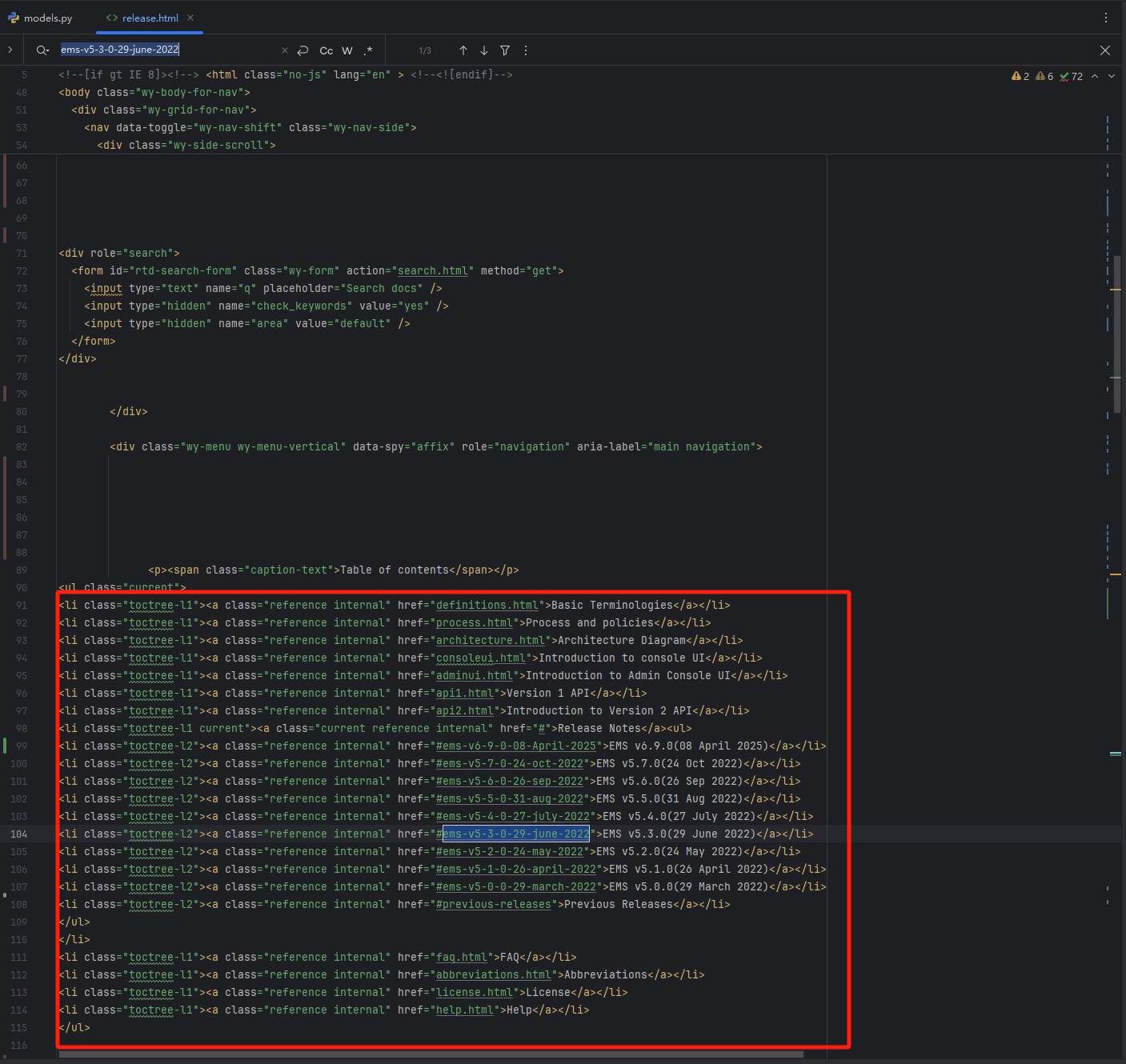
- Add feature list.
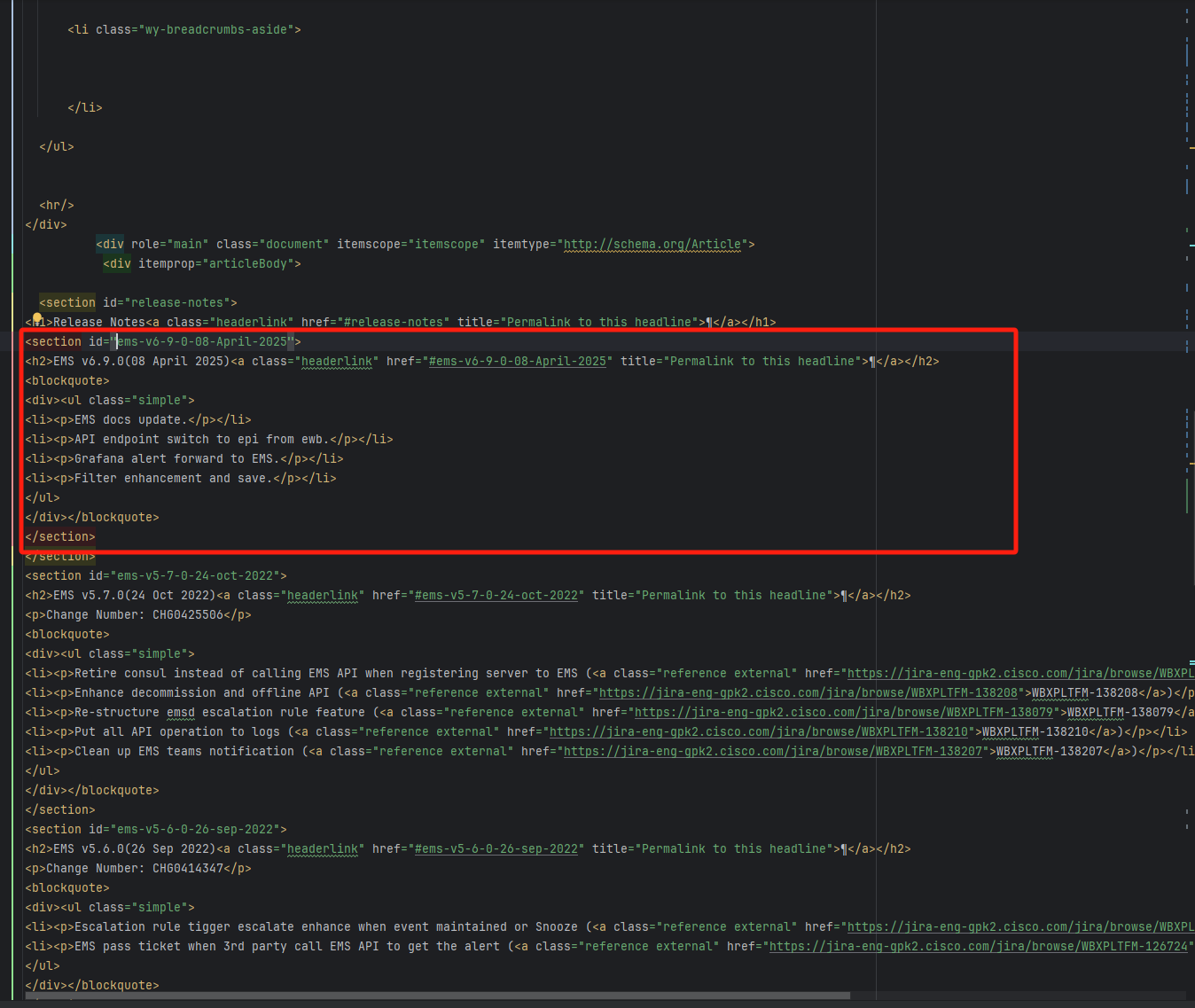
- List the features of this release.
Create release branch 
- Create a release branch base on main, e.g. release/6.9.0
- All EPs need to be merged into the release branch and the main branch.
- Merge other codes into the main branch normally.
Build the package 
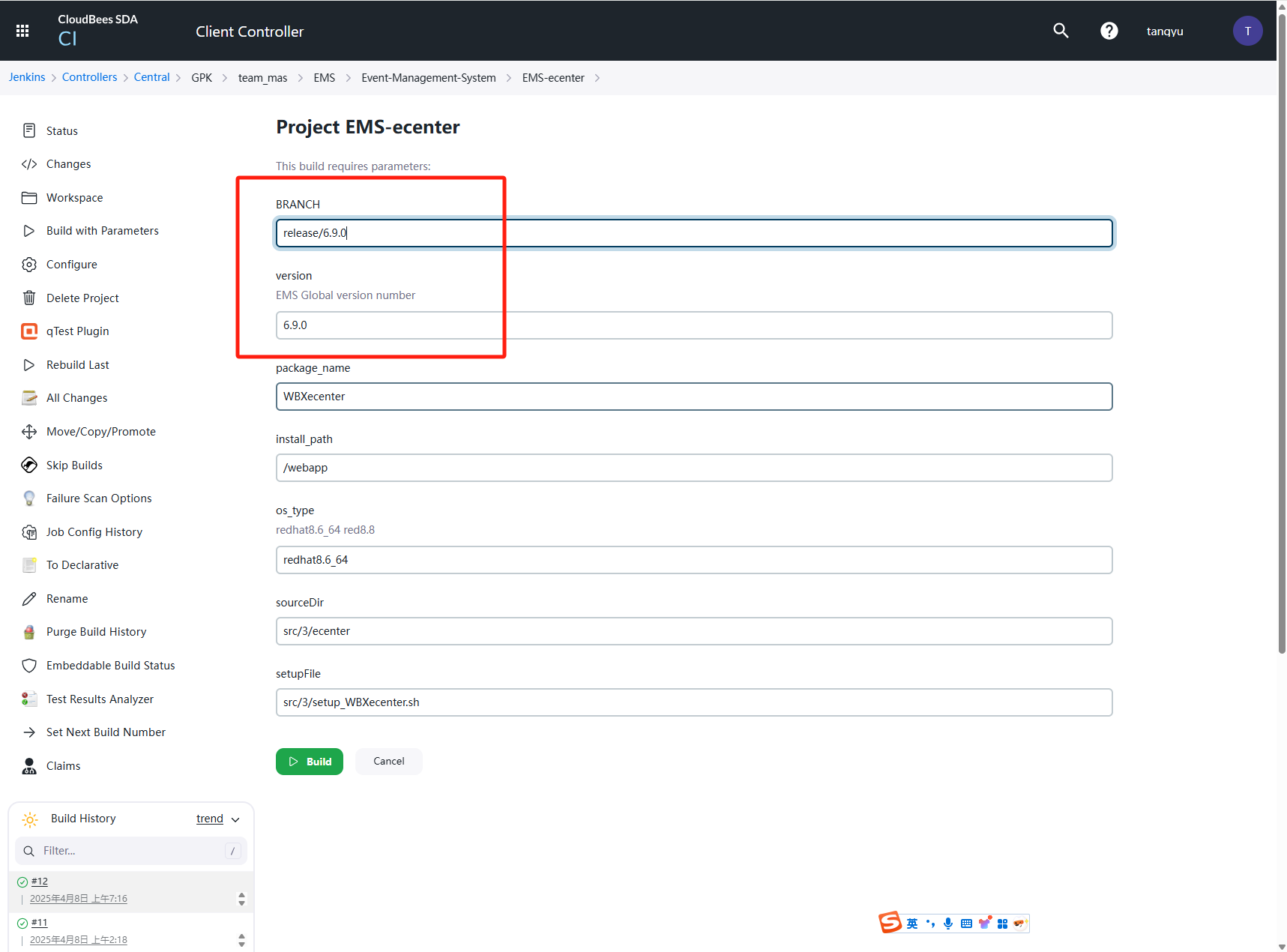
- Jinkens Job
- Update the package version and branch then build.
Prepare CMC template 
- cmc:
https://csgcmc.qa.webex.com/new-ui/cmc/my-component/EMS, 0001 corresponds to QA environment, 0002 corresponds to STAGE environment, 0003 corresponds to PROD environment.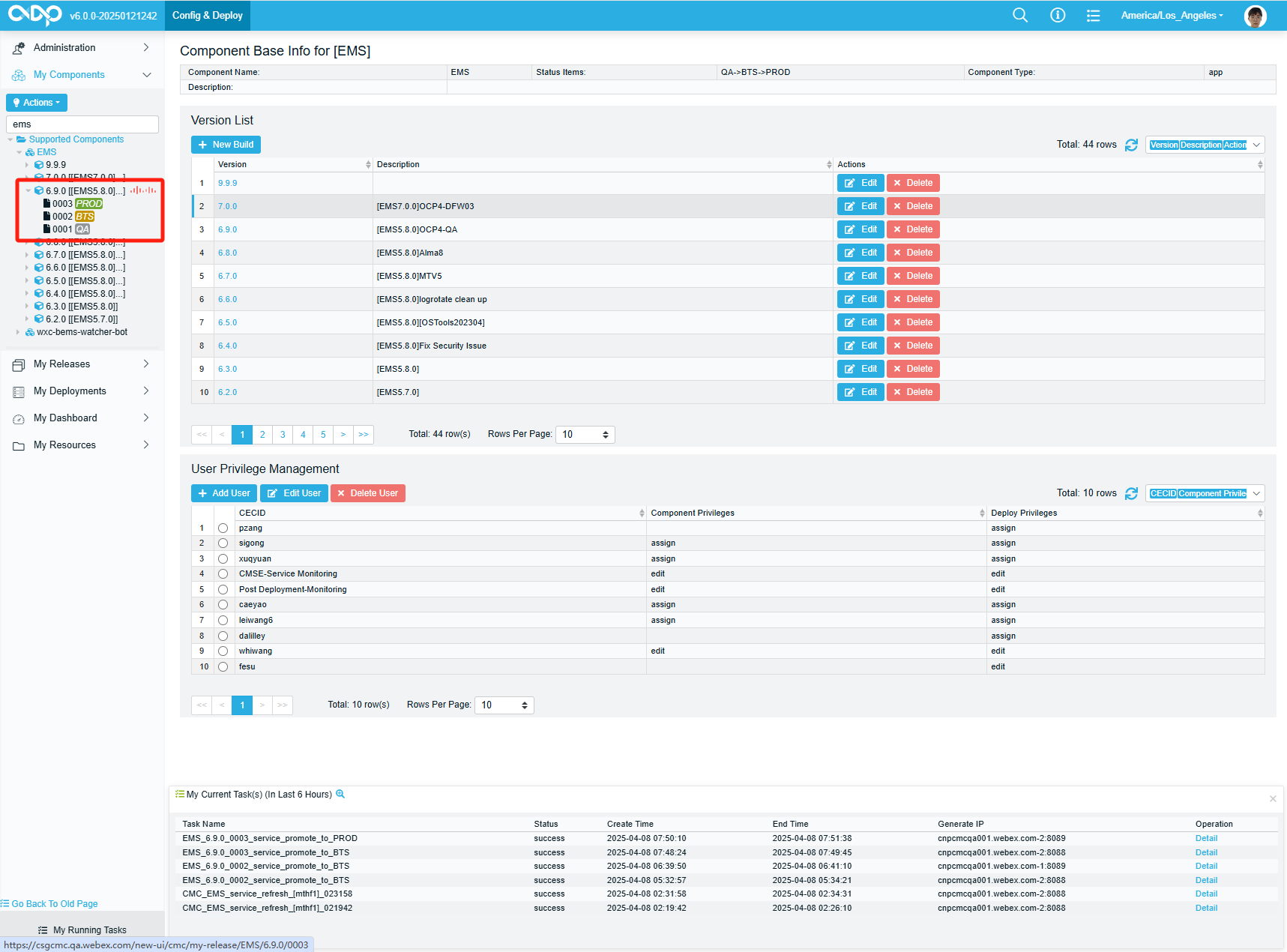
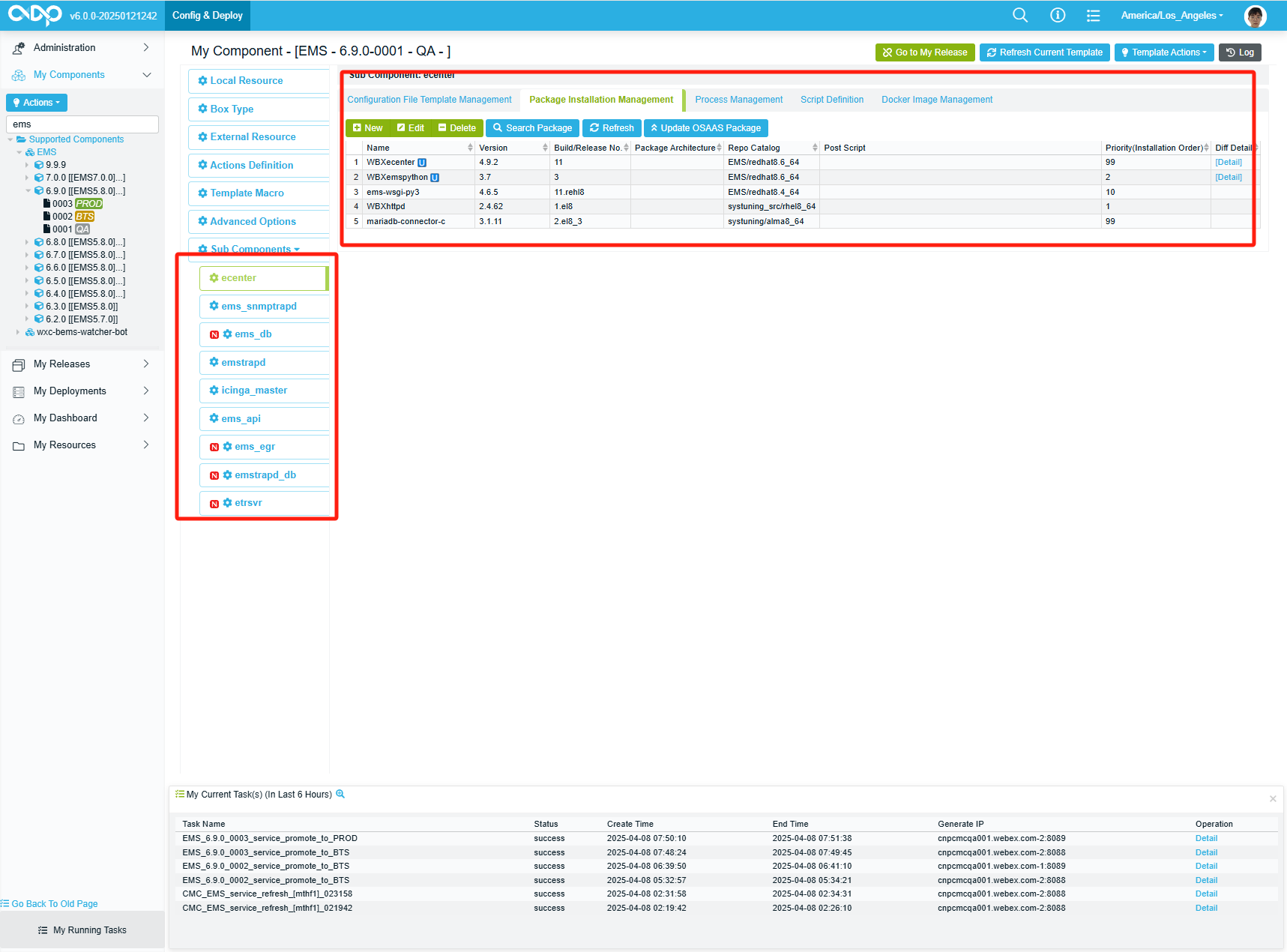
- Update the package version.
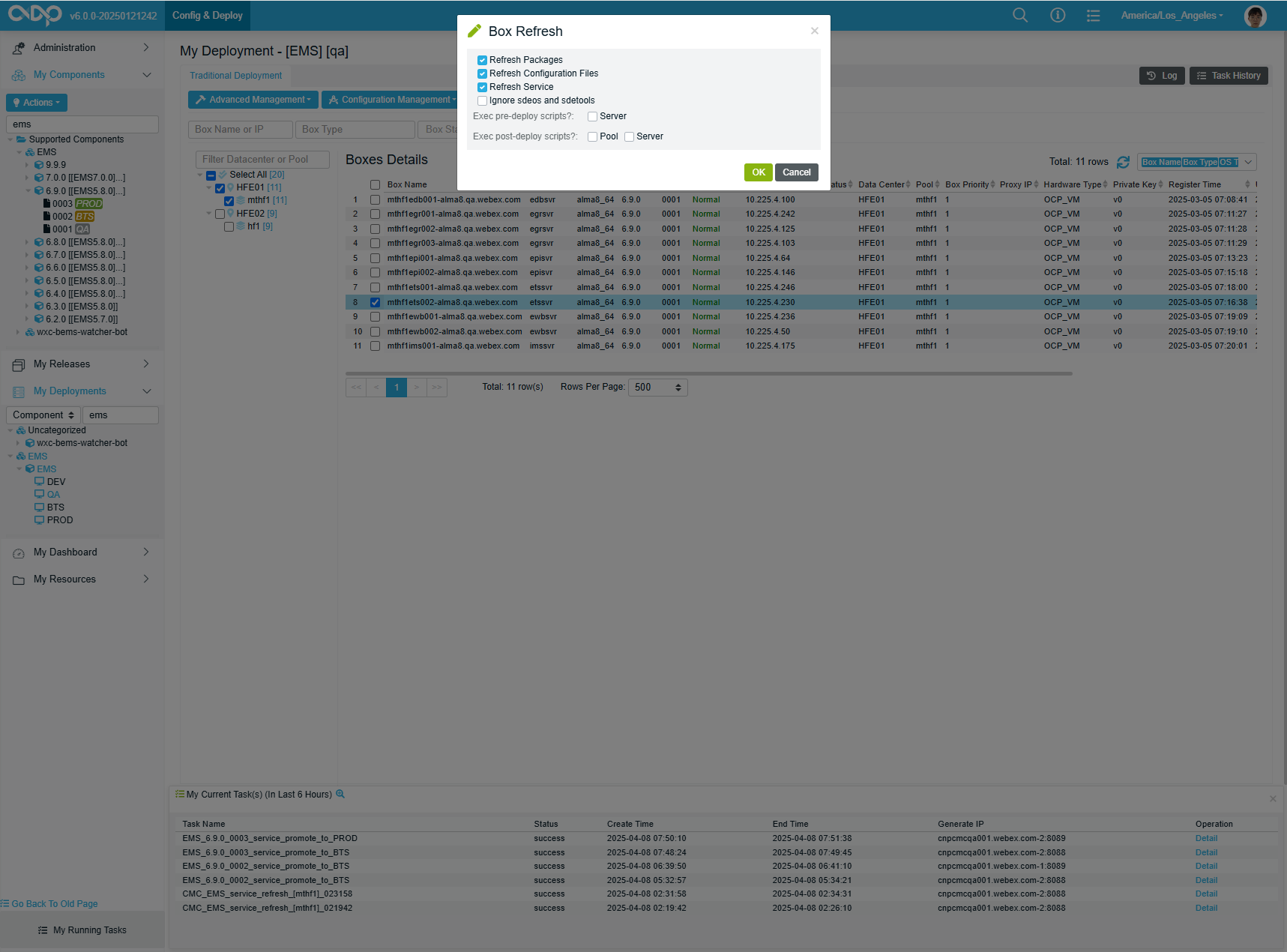
Refresh service 
- Edit current version and update VERSION
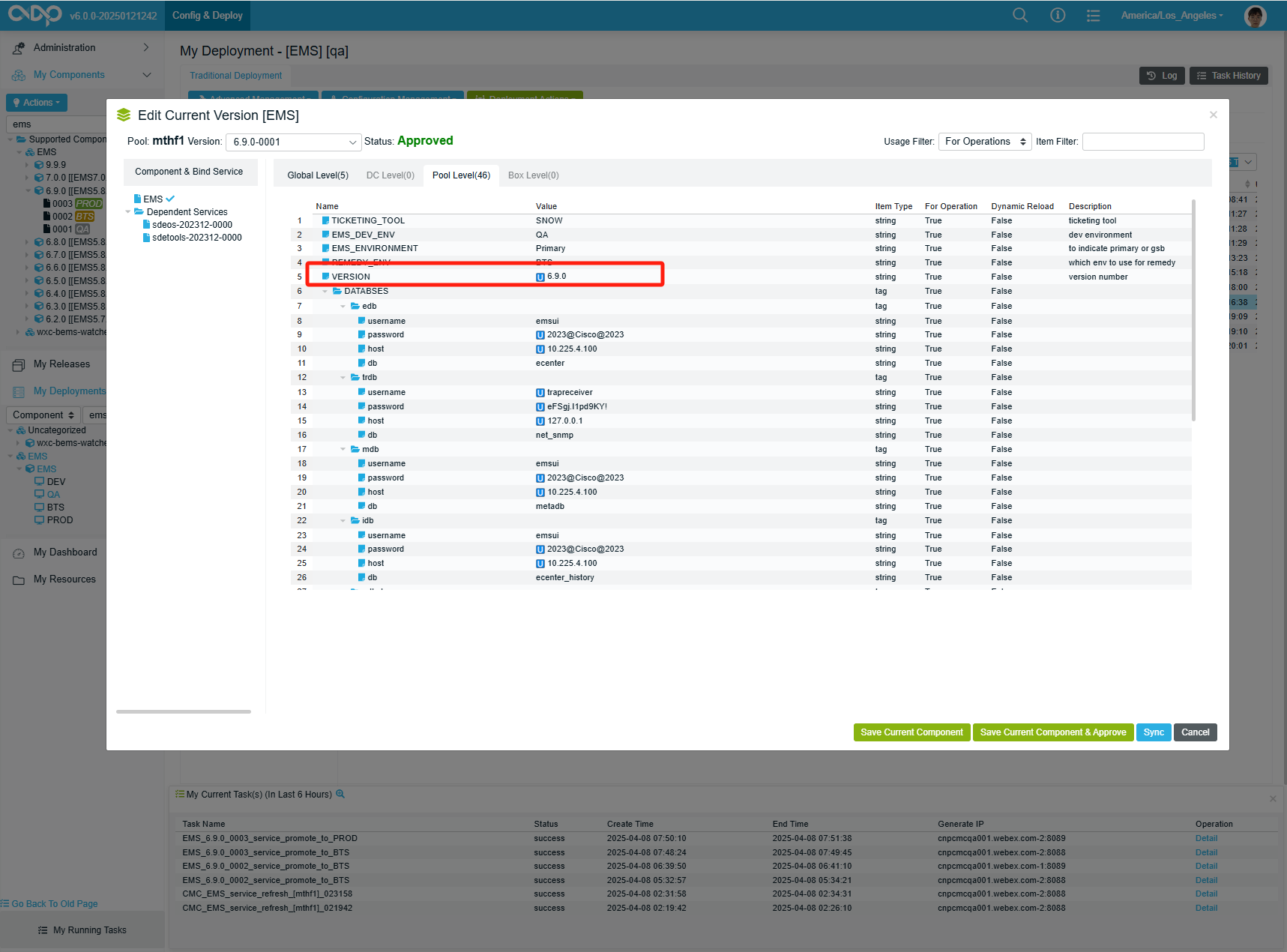
- Refresh service