Cluster Provision via Terraform
Terraform 
Deliver infrastructure as code
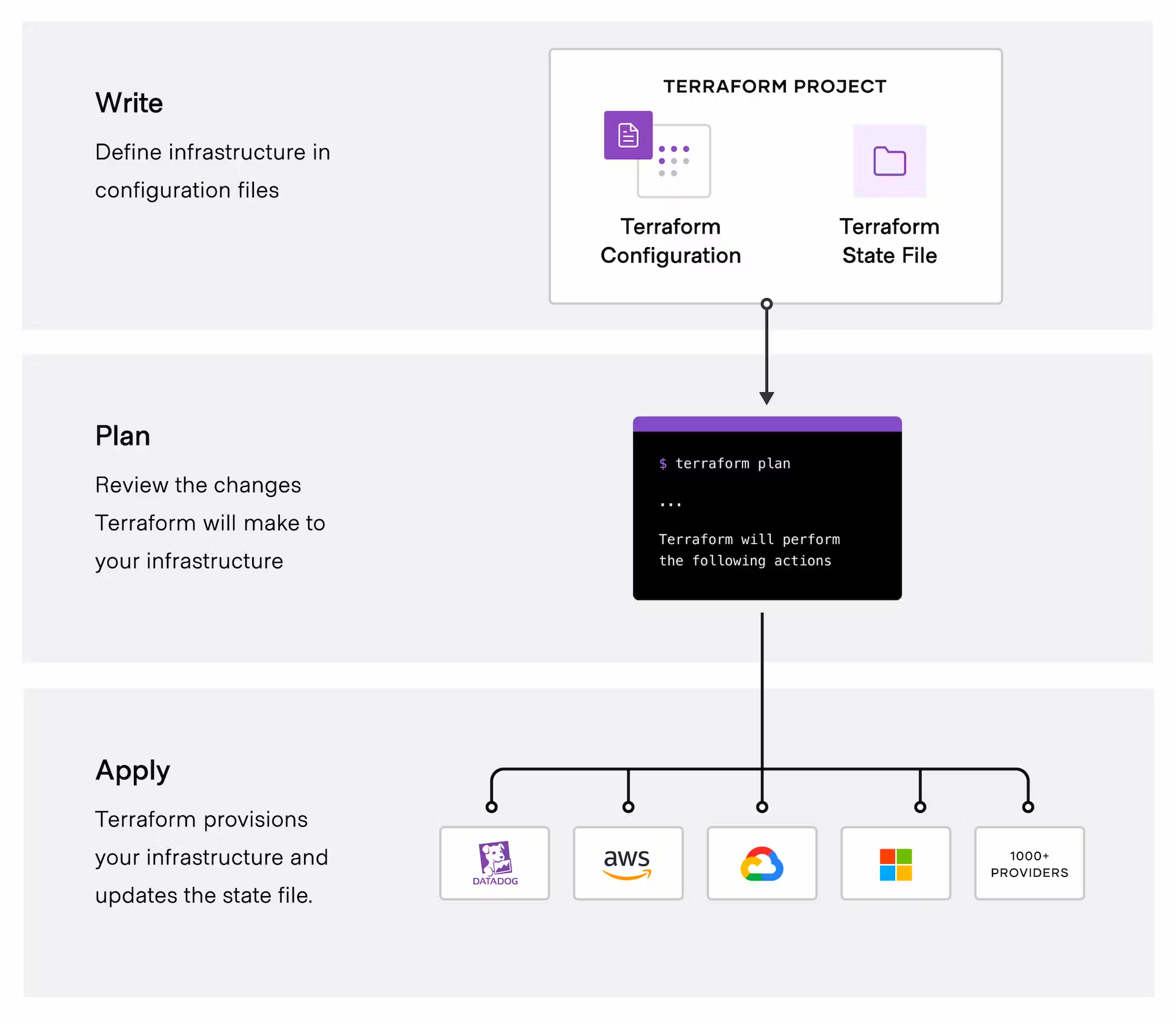
With HashiCorp Terraform, provisioning and security can be automated based on infrastructure and policy as code. Infrastructure and policies are codified, shared, managed, and executed within a workflow that is consistent across all infrastructure.
Atlantis 
Terraform Pull Request Automation
atlantis plan -p <some_project>
atlantis apply -p <some_project>
Argo Pipeline 
Argo pipeline will call Terraform to apply resource provisons. Provision cluster flow as below: 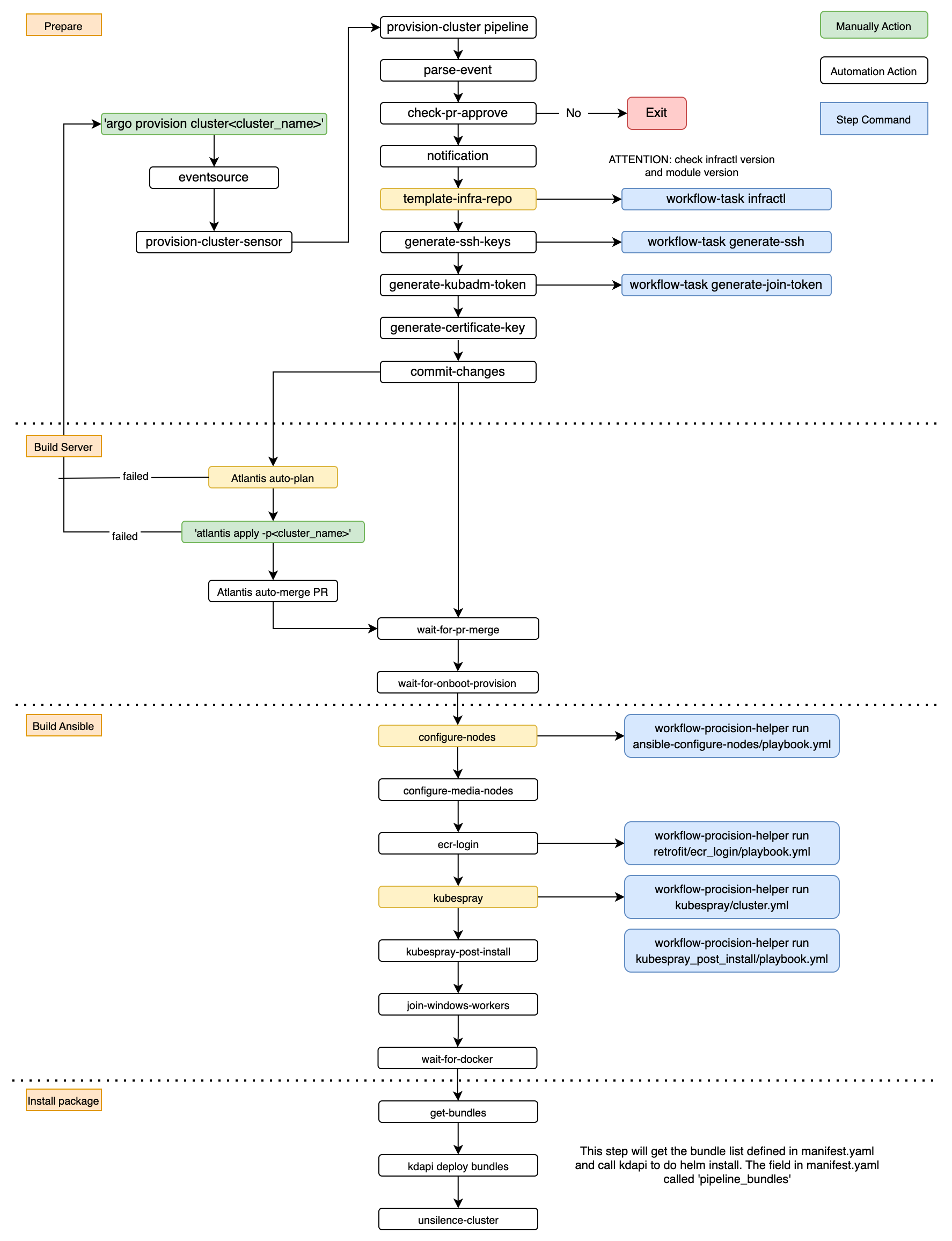
Demo 
Prerequisite 
- Access to infra repo, got the write permission * hfedev-infra, * dev-infra * integration-infra * prod-infra
- Argo admin permission (added into rbac group)if you want to change the pipeline
Edit manifest.yml to request new cluster 
This is where the main cluster definition will be added. The available options can be found here in the infractl repository. Add new cluster section in manifest.yml and raise a PR. Diff for build a new cluster
- name: wbx3op-dfwtmp12
  status: online
  env_name: wbx3op-dfwtmp
  worker_count: 1
  base_image: wbx3-focal-1.23.5-containerd-8800b2a
  base_k8s_image: wbx3-focal-1.23.5-containerd-8800b2a
  module_version: v7.19.0
  infractl_version: v7.16.3
  provisioning_module_version: v5.5.9
  terraform_version: v1.2.4
  provisioning_extra_args: kube_network_node_prefix=26 kubelet_max_pods=56 container_manager='containerd'
  cidr_pods: auto
  cidr_svcs: auto
  internal_provider_network: provider-3219
  metadata:
    annotations:
      helm3Only: true
    cluster_type: generic
    deployment_groups:
    - warriors-gen-dfw
    - onboard-dev-dfw
  pipeline_bundles: [platform/ecr-deploy.yaml, platform/post-provision.yaml]
  mesh:
    name: hfedev-mesh
    network: wbx3op-dfwdev
    role: primary
    gatewayPort: 6443
Manifest yaml file definition 
- base_image/base_k8s_image
Get available image for environment and set to base_image and base_k8s_image.
Check the available image list for environment with Openstack CLI, list command as bellow:
openstack image list
Openstack CLI requires environment variables, get the variables from Vault.
Infra Credentials Path: secret/data/hfedev/infra/wbx3op-dfwdev/openstack
Vault openstack path link: https://east.keeper.cisco.com/ui/vault/secrets/secret/show/hfedev/infra/wbx3op-dfwdev/openstack?namespace=meetpaas%2Fhfedev
Provision new cluster 
Argo will run the Ansible playbooks that will build the nodes and also install Kubernetes onto them as appropriate. Add review comment to the PR
argo provision cluster <new-cluster-name>
When you see “Argo workflow is waiting for this PR to be merged”, this means your new cluster build workflow is waiting for plan by Atlantis. And you will see the screenshot after plan success. 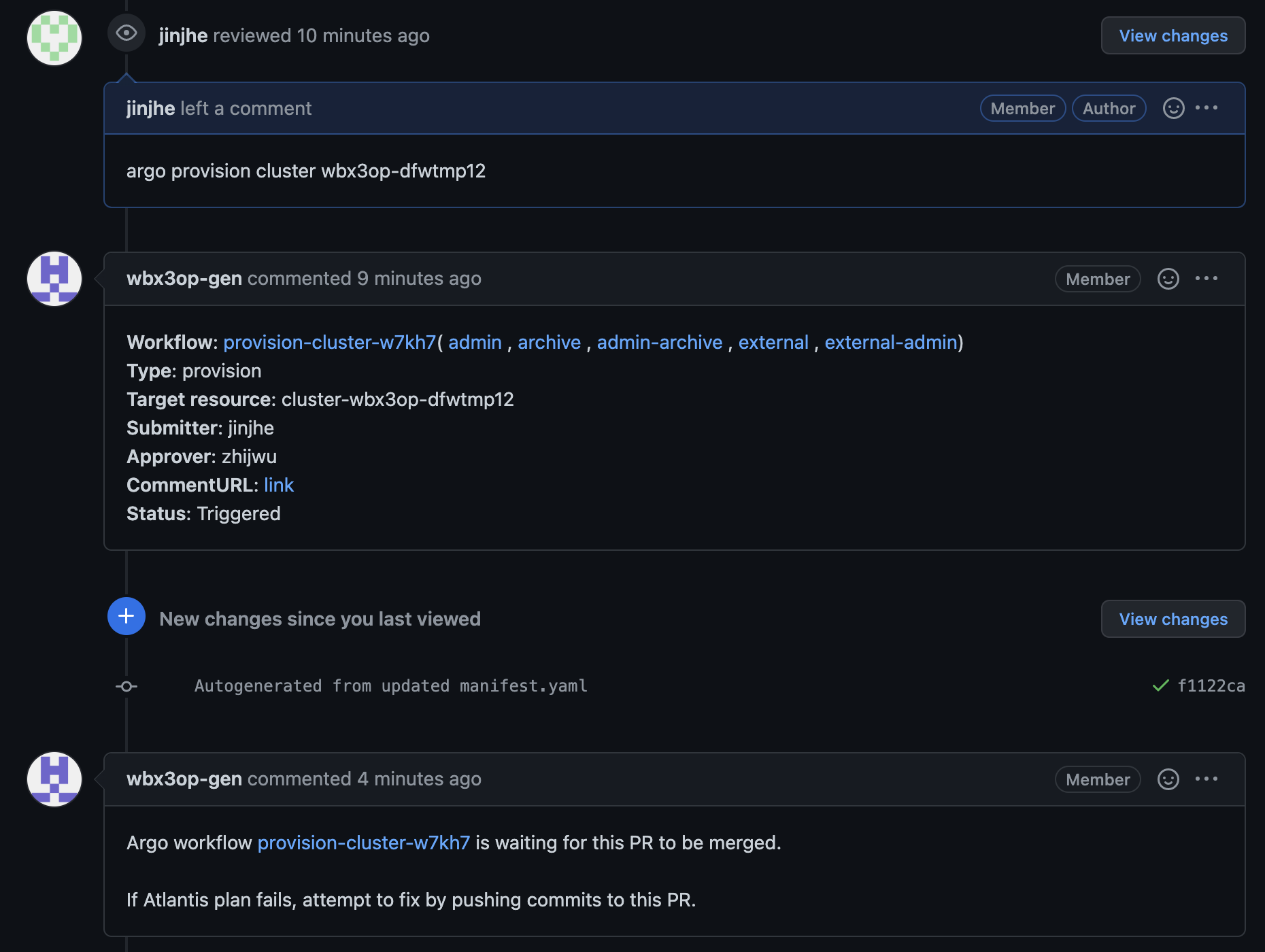
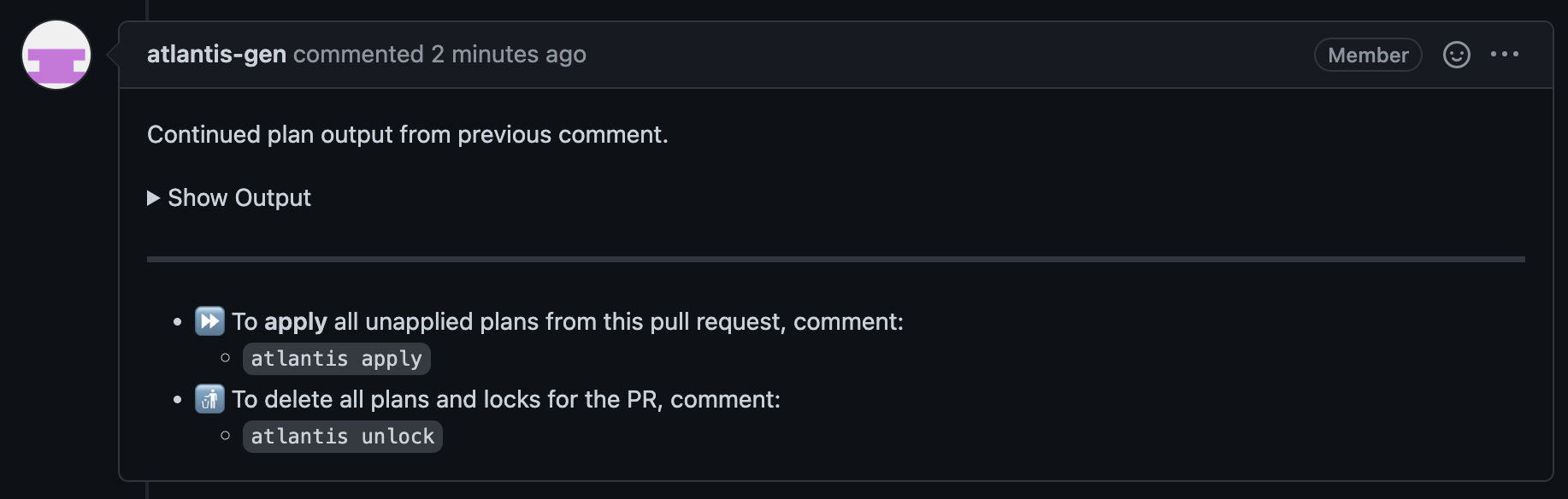 You can run
 atlantis plan -p <new-cluster-name> to manually plan the new cluster build if atlantis plan is failed.
Atlantis Apply 
Apply workflow run with command as below. The command should be sent by comment of the PR.
atlantis apply -p <new-cluster-name>
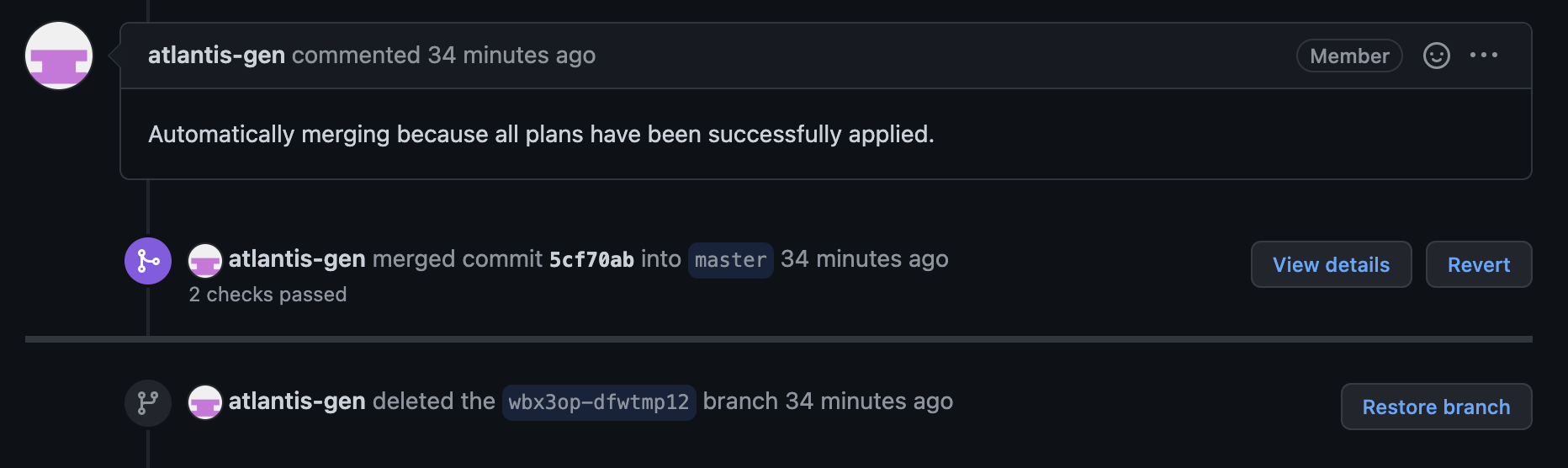
You can check the cluster status on CnC hfe-dev after all the argo workflow steps success.
Destroy legacy cluster 
Raise an empty PR to destroy legacy cluster
git commit --allow-empty -m "Destroy cluster <legecy-cluster-name>"
Add comment in the PR to plan the destroy and apply the plan.
atlantis plan -p <legecy-cluster-name> -- -destroy
atlantis apply -p <legecy-cluster-name>