How to contribute your code? 
Backend 
- fork the staging repo: https://sqbu-github.cisco.com/Monitoring/global-service-status-service
- git clone the code from your remote fork repo
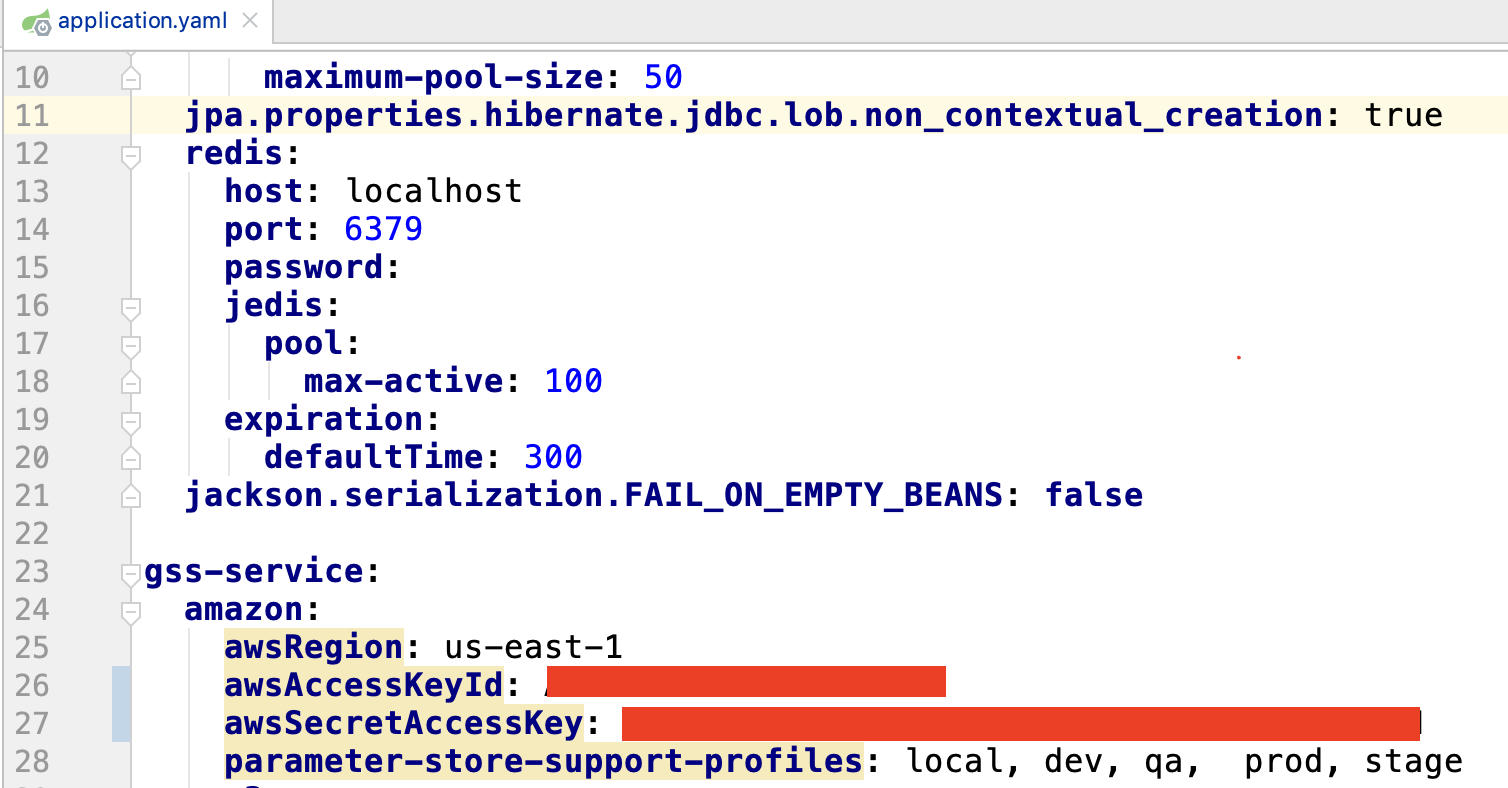
- (OPTION) modify application.yaml (global-service-status-service/server/src/main/resources/application.yaml) locally with your own awsAccessKeyId and awsSecretAccessKey.
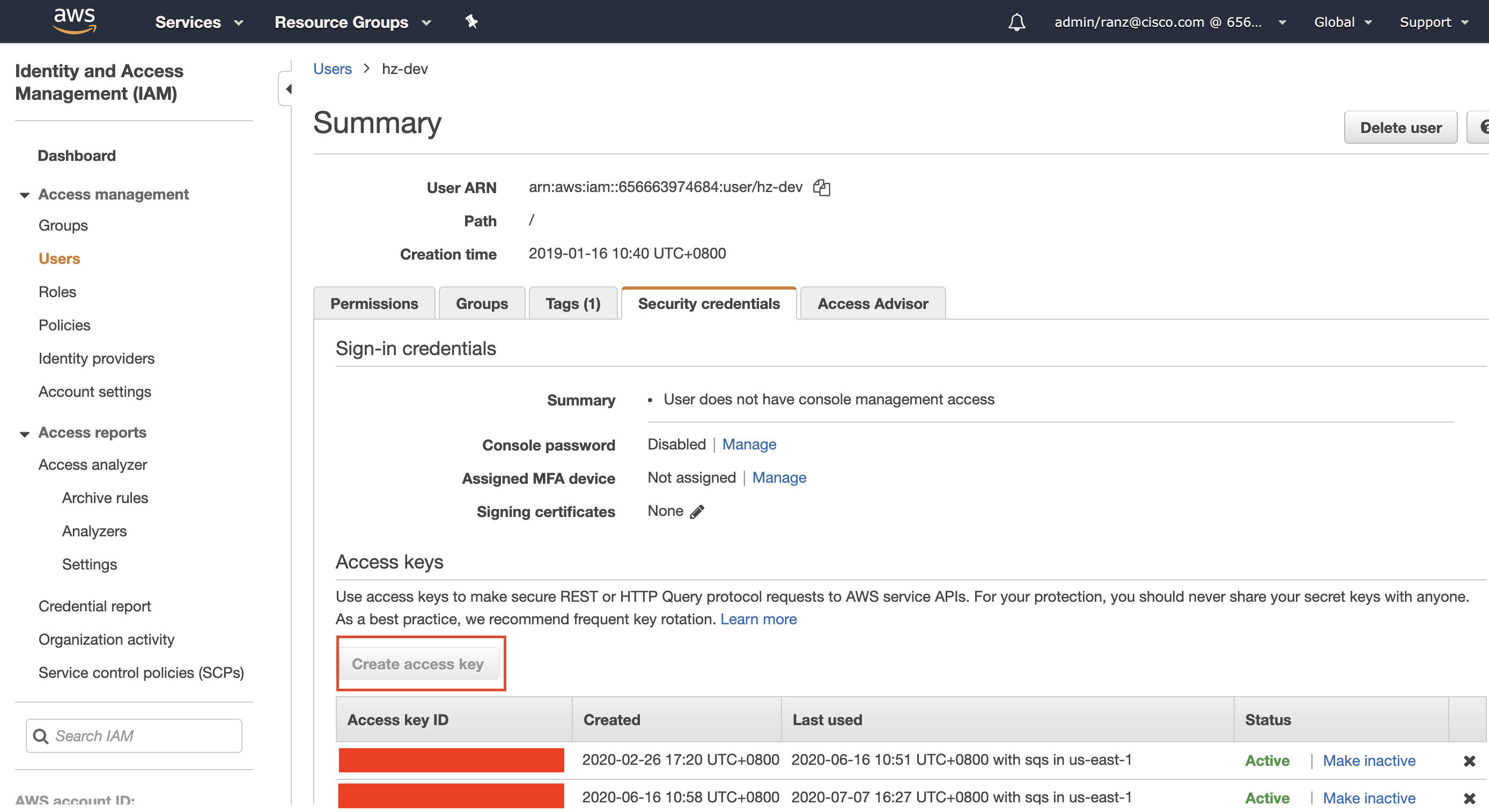
 After the provision of AWS privilege, you can create you own awsAccessKeyId and awsSecretAccessKey. Once expired, you can login AWS(https://cloudsso.cisco.com/idp/startSSO.ping?PartnerSpId=https://signin.aws.amazon.com/saml to refresh.
- start backend coding
- debug and test make sure the PostgreSQL and REDIS are running successfully in docker. a) configure the properties of PostgreSQL DB
cd {codeBase}/docker-dev; docker-compose up -d --build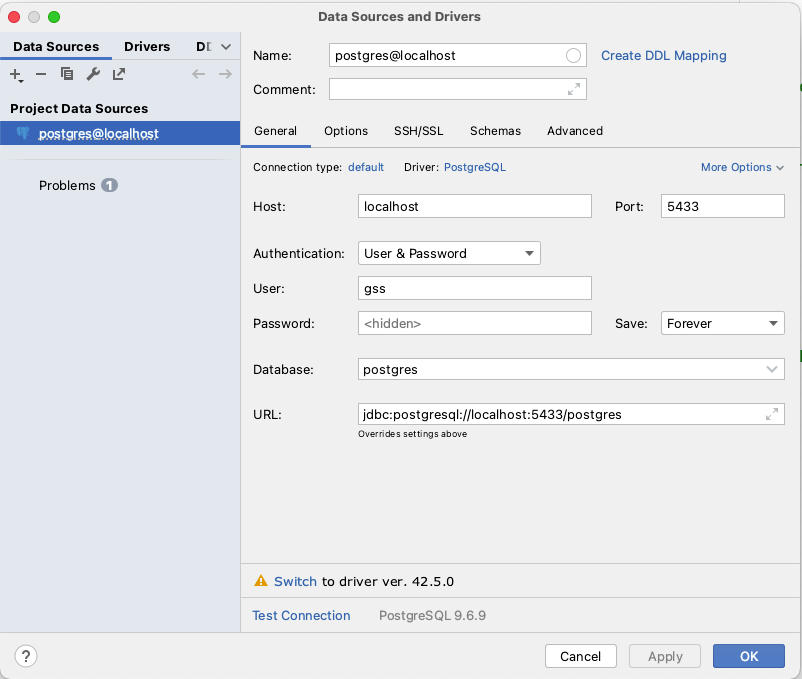 b) init the DB schema by running all scripts in global-service-status\global-service-status-service\migration\postgres\scripts in PostgreSQL console c) add some test data by running all sql scripts in attachment file(TestData.zip) in PostgreSQL console d) debug "GlobalServiceStatusServiceApplication" with your IDE
 - checkin your code a) push your branch to github after the local test b) stage: create a PR from fork branch to Monitor stage[default deploy to dev env and approve deploy to stage env] c) master: create a PR from Monitor stage to Monitor master[default deploy to stage and approve deploy to prod env and approve deploy to backup] you will receive a message at the space 'Build&Deploy Notifications' after code is merged, see the Note below
Frontend 
- fork the staging repo: https://sqbu-github.cisco.com/Monitoring/global-service-status-webui-vuejs
- git clone the code from your remote fork repo
- establish a local database connection and initialize local test data
- start backend coding
- debug and test
install node.js and npm
run command: npm run serve (will show local status page) - checkin your code
a) push your branch to github after the local test b) stage: create a PR from fork stage to Monitor stage[default deploy to dev env and approve deploy to stage env] c) master: create a PR from Monitor stage to Monitor master[default deploy to stage and approve deploy to prod env and approve deploy to backup]you will receive a message at the space 'Build&Deploy Notifications' after code is merged, see the Note below
Note 
- The result of the Jenkins build package and each deployed approve link will be sent to the spark room: "Build&Deploy Notifications". So no matter which environment is deployed, you need to click the link of the room to do the approve operation.
- Jenkins job: (build package)
backend: http://10.225.23.241:8080/job/Monitoring-new/view/GSS/job/global-service-status-service/
frontend: http://10.225.23.241:8080/job/Monitoring-new/view/GSS/job/global-service-status-webui-vuejs/