How to refresh certificate? 
Request a new certificate 
- Generate a Certificate Signing Request (CSR) and private key.
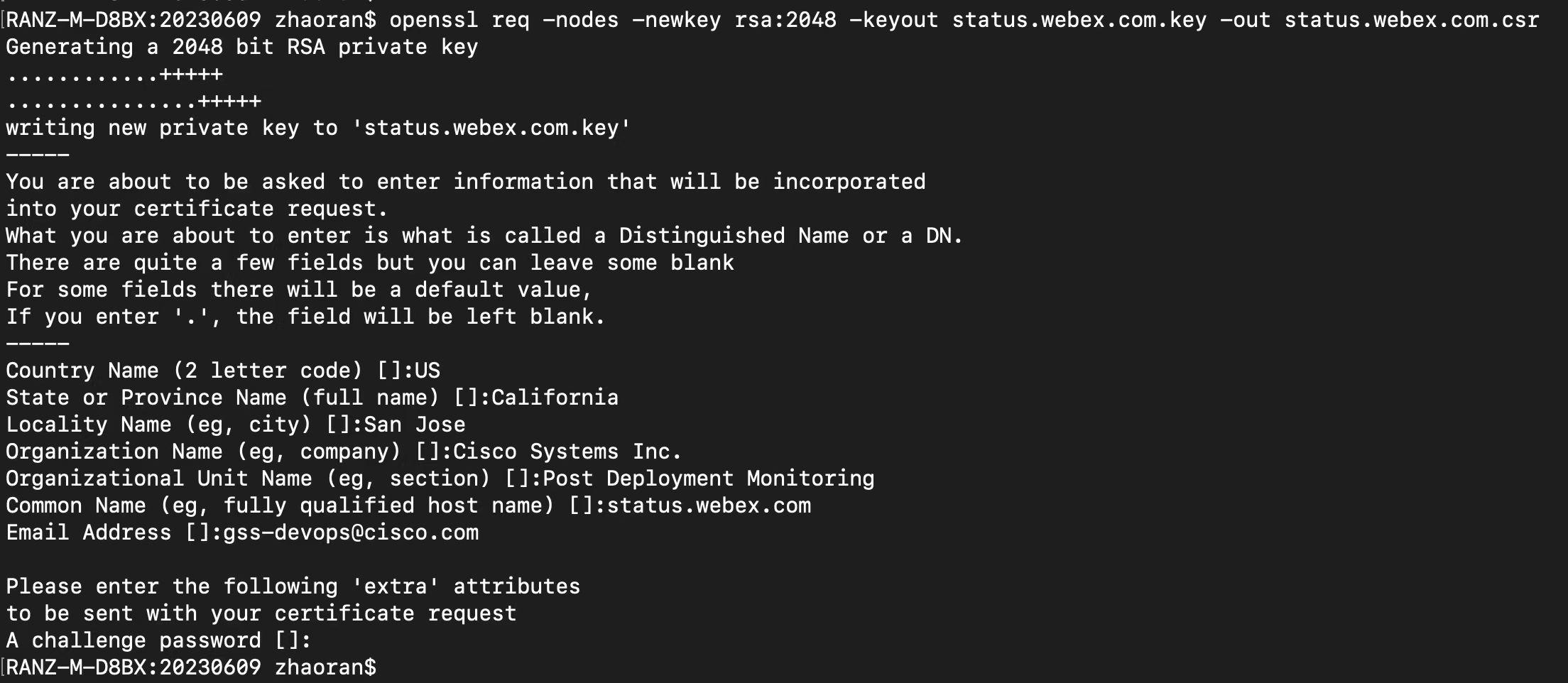
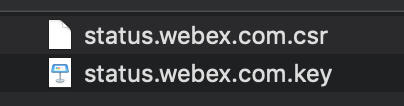
Then you can get key and csr file like:
2. Apply a new SSL Certificate
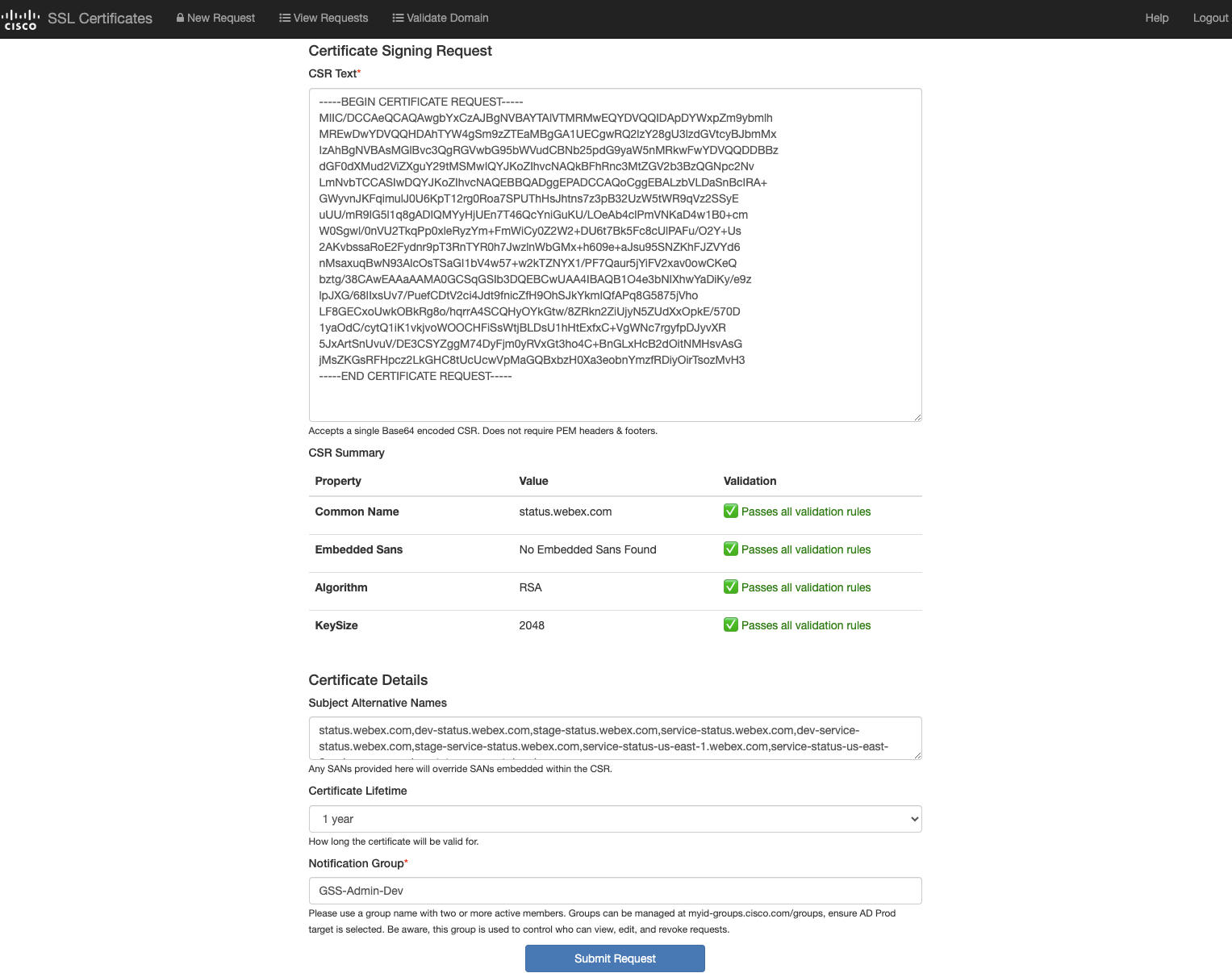
You can request in https://sslcerts.cisco.com/sslrequest
After leader approve, you will receive mail of request finished. 3 files will attach in the link from email.
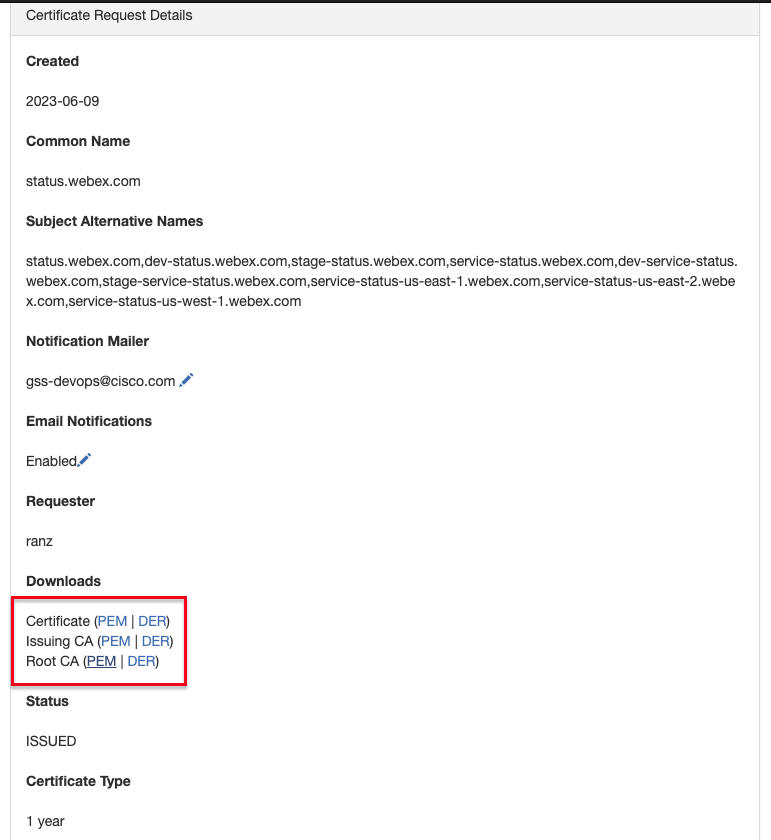
- Download new Certificate(3 files) in the pem format
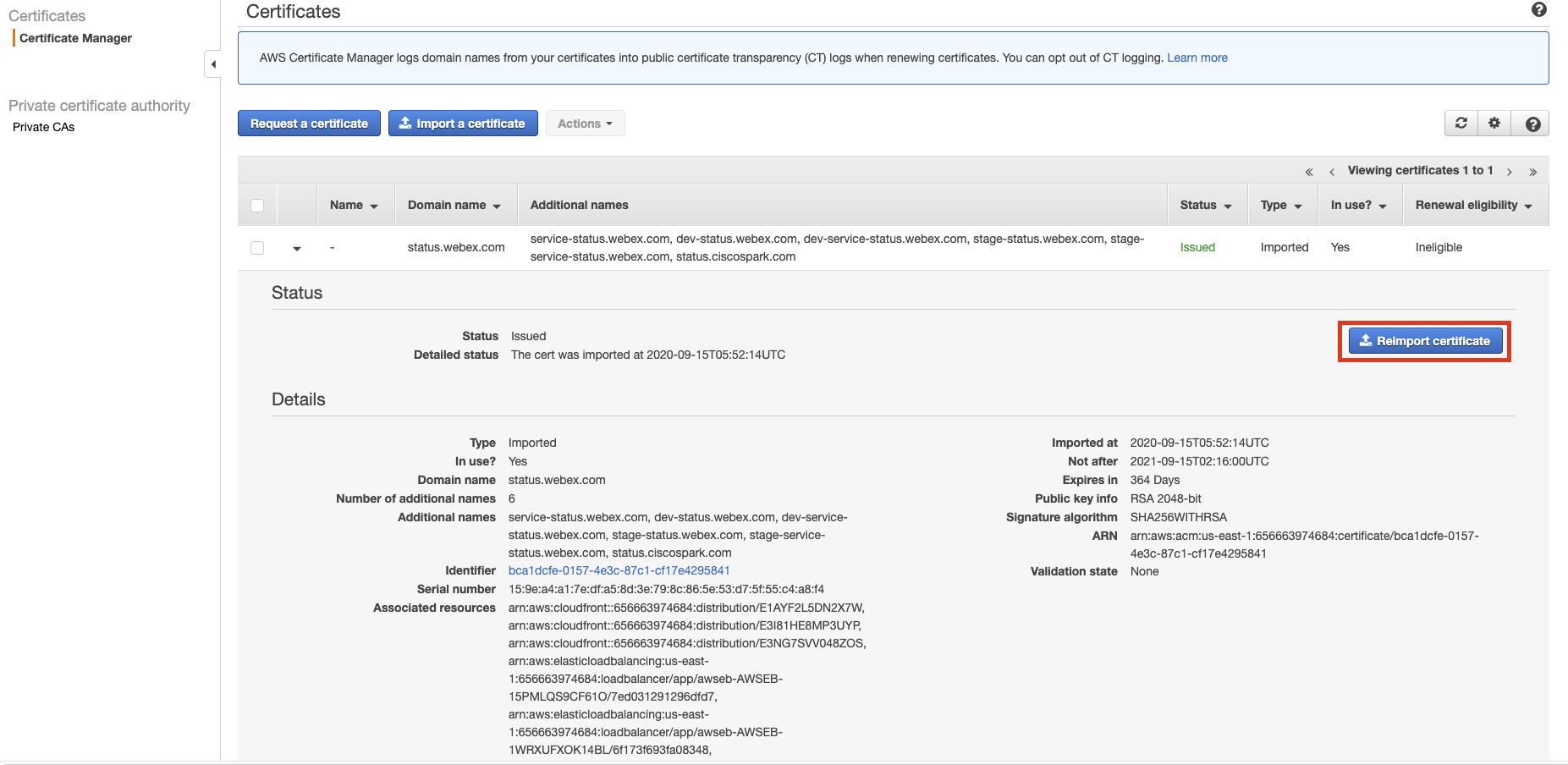
4. Reimport new certificate on AWS|ACM for us-east-1 and us-east-2
Refer to: https://docs.aws.amazon.com/acm/latest/userguide/import-reimport.html
a. Click "Reimport certificate"
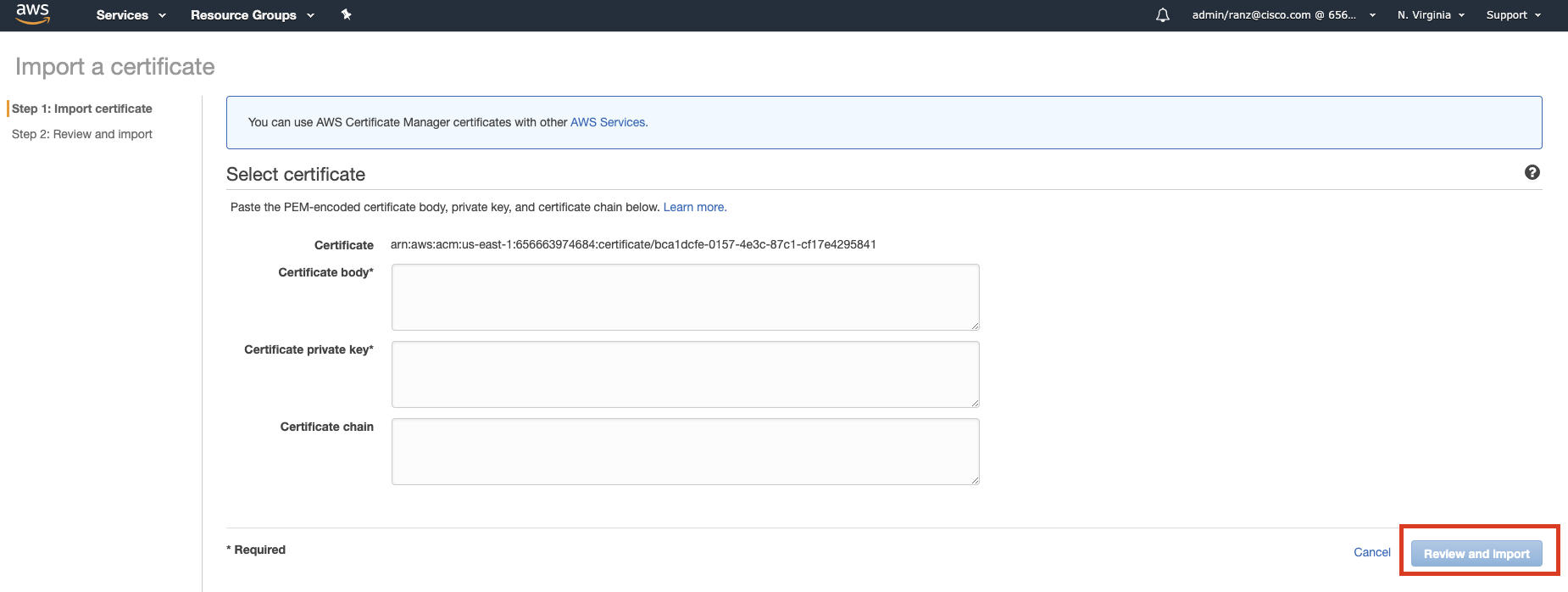
b. File "Certificate body" (copy from certificate pem file in step3), file "Certificate private key"(copy from status.webex.com.key file in step1), and file "Certificate chain"(copy from content combination of three files: 'Certificate+Issuing CA+Root CA'). Click "Review and import"
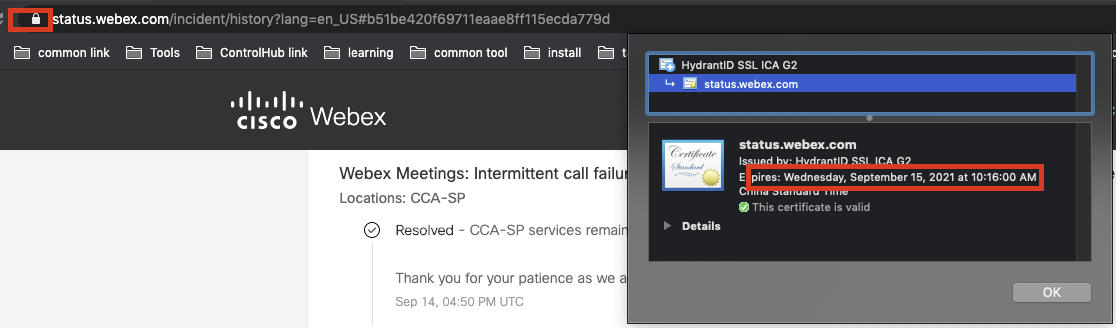
5. Check if SSL certificate is updated
NOTE: For service status api certificate, don't forget to upgrade it on both Virginia and OHIO. It caused INC0046231 when primary service-status.webex.com is down.